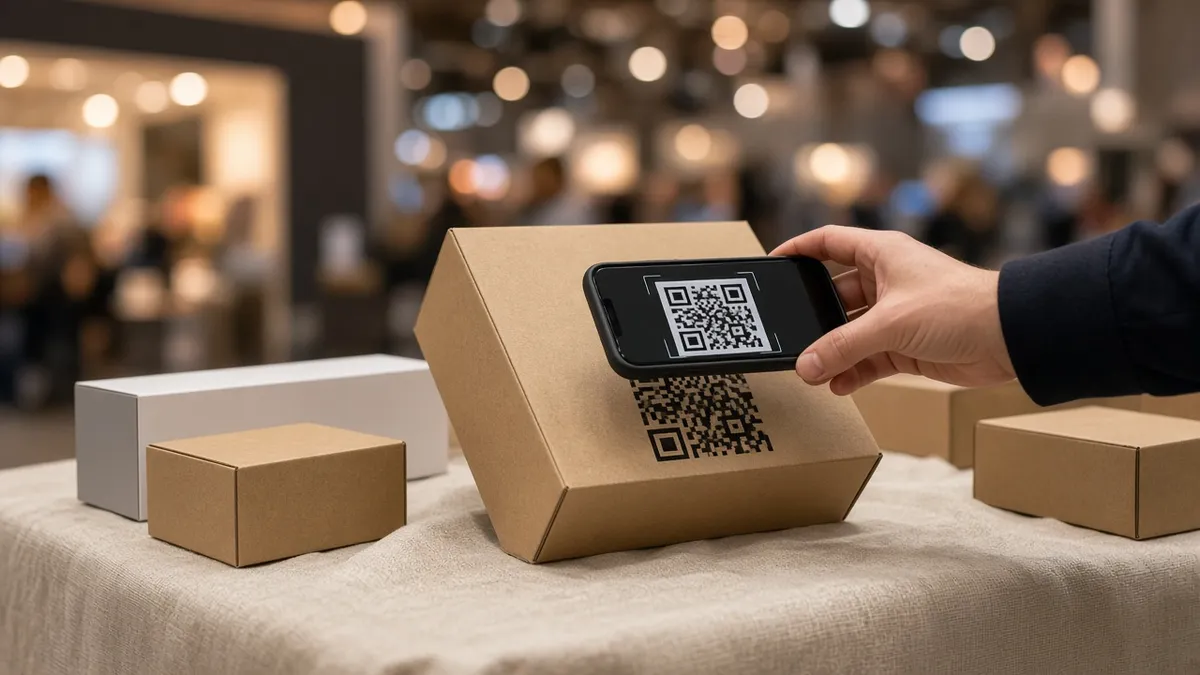
QR codes looked like a pandemic-era fad to some marketers — then they became permanent infrastructure. Menus, event badges, product packaging, transit ads, and receipt footers now routinely ask for a scan. Done well, a QR code is the shortest path from physical attention to a digital action you can measure. Done poorly, it is a black square that nobody scans, or worse, a square that sends people to a broken redirect on a phone in bright sunlight.
This guide is for marketers, event organisers, retail operators, and small business owners who want a practical campaign workflow — not a theoretical overview of matrix barcodes. You will learn how to choose destinations, size codes for real environments, pair scans with UTMs, avoid print disasters, and review performance without drowning in vanity metrics.
Start with our QR codes for marketing guide and how QR codes work if you need foundations. Use the QR code reader and UTM link generator on DGKad when you test and ship campaigns.
1. Start with the action, not the code
The first question is never “what should the QR look like?” It is “what should happen within ten seconds of a successful scan?”
Write the job in one sentence:
- Register for Saturday’s workshop
- View the summer menu with allergen filters
- Claim the 10% welcome discount
- Download the installation manual
- Leave a Google review after a completed service
That sentence drives everything else: landing page copy, form length, whether you need a login, and which metric counts as success. If you cannot describe the post-scan experience clearly, postpone printing.
One QR code should map to one primary job per campaign. Multi-purpose codes (“scan for menu, offers, and careers”) confuse users and muddy analytics. If you need three jobs, use three labeled codes in three locations — not one code with a generic homepage.
2. Pick the right destination URL
QR scanners open the default browser on the user’s phone. The destination must be mobile-first, fast, and HTTPS. Avoid PDFs that zoom badly, desktop-only forms, and interstitial ad stacks that appear before content.
Strong destination types:
- Campaign landing page — headline matches the poster or package; single CTA above the fold.
- WhatsApp or tel link — for high-intent local service (“Scan to book on WhatsApp”). Generate with the WhatsApp link generator.
- Map or directions — for events and storefronts; verify the pin on foot.
- Short tracked link — stable slug with UTMs appended for analytics.
Weak destinations include your homepage with no message match, a login wall, an expired Google Form, or a third-party URL you do not control that changes without notice.
Before encoding, run the final URL through the URL redirect checker. Chains of three or four hops slow mobile loads and sometimes strip query parameters — including UTMs.
3. Size, contrast, and quiet zone rules that survive print
Scan reliability is physics, not branding preference. Minimum size depends on scanning distance, print quality, and error correction level, but practical rules help most campaigns:
- Arm’s-length marketing (posters, shelf talkers): at least 2 × 2 cm, larger if the code includes a logo.
- Table tents and counter cards: 3 × 3 cm or bigger; test under your actual lighting.
- Billboards and large format: size for the expected scanning distance — a code meant to be scanned from five metres away must be dramatically larger than a packaging code scanned at 15 cm.
- Quiet zone: leave empty margin around the code — no text, borders, or artwork touching the modules.
- Contrast: dark modules on a light background; inverted light-on-dark can work but fails more often in low light.
Glossy lamination creates glare at retail counters. Matte finish or spot UV avoidance around the code area improves scan rates. Always print a proof and test with both iPhone and Android cameras — not only a designer’s monitor preview.
If you embed a logo inside the code, use high error correction and re-test after every design tweak. A pretty code that does not scan is worthless inventory.
4. Label the code like a call to action
Never assume users know why they should scan. Pair every code with a short human instruction:
- “Scan for menu & prices”
- “Scan to register — takes 30 seconds”
- “Scan for setup video”
Place the label above or beside the code, not hidden in footer legal text. For international audiences, use plain language and avoid idioms. If Wi‑Fi is required for a heavy landing page, say so — or fix the page to load fast on mobile data instead.
Include a fallback short URL when the medium allows: dgkad.my/event next to the code rescues users when cameras fail or permissions block scanning apps.
5. Campaign landing pages that respect the scan context
Someone who scans is usually standing, holding a coffee, or walking into a venue. They did not arrive from a careful Google search — they followed a impulse prompt on physical media.
Your landing page should therefore:
- Repeat the offer from the print piece in the first screen.
- Load critical content in under three seconds on 4G.
- Use one obvious button — book, buy, download, or directions.
- Minimize form fields; defer account creation unless absolutely necessary.
- Show trust cues appropriate to context (event date, venue map, refund policy).
Message mismatch is the silent killer of QR campaigns. A poster promoting “Free tasting — scan here” must not land on a generic corporate About page. Match headline, imagery, and CTA to the creative that surrounded the code.
For recurring venues, keep a stable URL slug and update the page content per season rather than reprinting new codes when possible — you preserve any offline recognition of the code itself while refreshing the offer online.
6. Track scans with UTMs and consistent naming
Raw scan counts from a QR provider dashboard are useful; segmented web analytics are better. Append UTM parameters to the destination URL before generating the QR image so every scan arrives tagged in your analytics.
Example scheme for a retail summer promo:
utm_source=qrutm_medium=packaging(orposter,receipt,badge)utm_campaign=summer-2026utm_content=sku-12345when multiple products share a campaign
Document the scheme in one shared place. Future you — and any agency — should not invent new spellings per print run. Lowercase, hyphenated values stay readable in reports.
Read UTM parameters explained for pitfalls: double question marks, broken encoding in long URLs, and platforms that strip query strings. Build URLs with the UTM link generator, then encode the final string into the QR.
If you use different codes per placement (recommended), each code can point to the same base landing page with a different utm_content value — letting you compare window poster vs counter card vs receipt footer without maintaining separate pages.
7. Use cases that still perform in 2026
Events and conferences
Codes on badges, session slides, and booth panels should deep-link to schedules, slide downloads, or lead forms. Event Wi‑Fi is unreliable — optimise pages for mobile data. Change destinations after the event only with a redirect plan so printed slides in photo archives still resolve sensibly.
Restaurants and hospitality
Digital menus via QR remain standard, but winners update menus quickly, show allergens clearly, and avoid PDF-only files that pinch-zoom awkwardly. Pair menu scans with reservation or WhatsApp booking links on table tents for higher revenue impact than static PDFs alone.
Retail packaging
Post-purchase codes can drive registration, warranty activation, or reorder discounts. Keep forms short; explain why data is collected. A code that only opens a generic newsletter signup without product context underperforms.
Real estate and showrooms
Lot signage and brochure codes should open unit-specific pages with floor plans, pricing status, and agent contact — not a national homepage. Sales teams notice when walk-in traffic mentions “the sign outside unit B.”
Creator and community campaigns
Posters at meetups and pop-ups can bridge to link-in-bio hubs or exclusive drops. Align with the playbook in our link-in-bio conversion guide so offline scans meet the same focused landing experience as social clicks.
8. Security, trust, and abuse you should plan for
QR codes are URLs in disguise. Users have learned to be cautious — and should be. Do not sticker third-party codes over your official print without verification processes. Train staff to recognise when physical codes were tampered with.
For your own campaigns:
- Always use HTTPS destinations you control.
- Avoid URL shorteners you do not own — if the shortener lapses, the code rots on thousands of packages.
- Do not encode executable downloads without clear labeling.
- Monitor for phishing copies of your campaign pages on lookalike domains if you run high-value promos.
On inherited domains, audit legacy paths before scaling new QR traffic. Old compromised URLs hurt trust signals in search and Safe Browsing — fix or hard-404 them first.
9. Pre-flight checklist before you print
Run this list on every new code batch:
- Final URL opens correctly on iOS and Android default cameras.
- Redirect chain is minimal; UTMs survive to the landing page.
- Landing headline matches print creative.
- Page loads acceptably on 4G without Wi‑Fi.
- Primary CTA works (form submits, call button, checkout).
- Code size and quiet zone meet spec for the intended scanning distance.
- Matte vs gloss proof tested under venue lighting.
- Fallback short URL printed where space allows.
- Analytics segment exists for the campaign before launch day.
- Post-campaign redirect or expiry plan documented if the offer is time-bound.
Our check your links before you publish guide applies equally to QR destinations — especially when reprints are expensive.
10. Measure what matters after launch
Dashboards should answer business questions, not only count scans.
Volume metrics
- Scans or tagged sessions by placement (
utm_content) - Scan trend by day — did the launch weekend spike as expected?
Quality metrics
- Landing bounce rate vs site average
- Conversion rate to booking, purchase, or signup
- Time on page for instructional content — did they reach the tutorial section?
Operational metrics
- Support tickets mentioning “code doesn’t work”
- Failed scan reports from field staff
Compare placements, not only totals. A receipt footer code may produce fewer scans than a window poster but higher purchase-intent conversions. Optimise toward outcomes, not leaderboard scan counts.
When a placement underperforms, diagnose in order: visibility, label clarity, scan reliability, message match, then page speed. Changing the QR colour before fixing a vague label rarely helps.
11. Lifecycle: active, wind-down, and archive
Time-bound campaigns need an end state. Leaving expired promos live erodes trust when someone scans a code on a poster three months later.
During the campaign
- Monitor daily for broken links in the first week.
- Refresh creative on the landing page if inventory or dates change.
After the campaign
- Redirect to a sensible evergreen page with an honest message (“This offer ended — see current menu”).
- Update analytics annotations so year-over-year reports stay interpretable.
- Remove or cover physical codes only when reprints are feasible; digital redirects protect you when they are not.
For permanent codes (menu, manual, showroom lot)
- Keep the URL stable; update page content in place.
- Review quarterly — phone OS updates and SSL renewals break neglected pages silently.
12. Common failures and quick fixes
- Code too small or low contrast — reprint larger; do not rely on users “trying harder.”
- Glare on lamination — matte finish or reposition away from direct spotlights.
- Homepage landing — build a campaign block or dedicated slug; match the poster promise.
- PDF-only destination — rebuild as HTML summary with optional PDF download.
- Lost UTMs — shorten only after UTMs are attached; test the encoded URL, not the marketing copy link.
- No label — add a one-line CTA; mystery QR codes underperform labeled ones consistently in field tests.
- Single analytics login nobody checks — assign one owner to weekly review during active promos.
Most failures are operational, not technical. Fixing copy, size, and landing match beats switching QR generators.
Conclusion
QR code marketing in 2026 is disciplined glue between physical touchpoints and digital experiences you own. Choose one action per code, encode a fast mobile landing page, size and label for real-world scanning, tag with UTMs you will read, and plan the campaign lifecycle before ink hits paper.
Ship one small test batch — a counter card, a single SKU sticker, or a booth panel — measure for two weeks, then scale what worked. The compounding advantage goes to teams that treat codes as campaign infrastructure, not decorative squares.
Next steps on DGKad: read QR codes for marketing, generate tracked links with the UTM link generator, verify destinations with the redirect checker, and inspect social previews with the meta tags checker before your next print run.