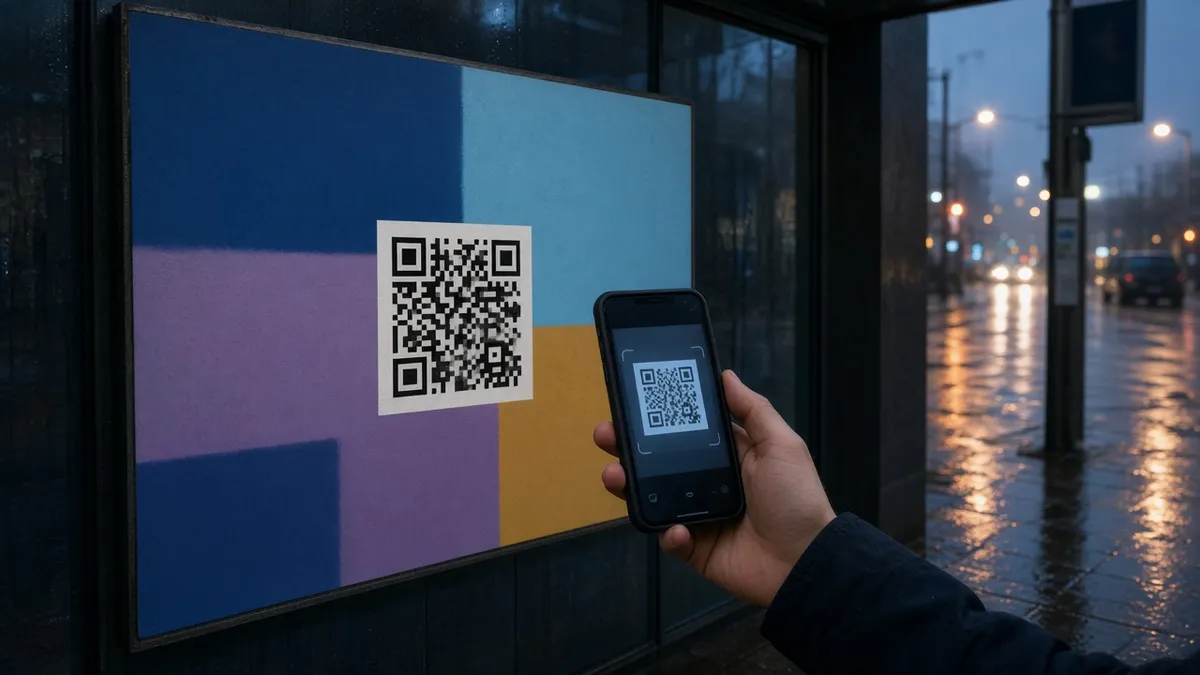
Why QR codes still matter
QR codes bridge offline and online journeys: menus, packaging, event badges, storefront posters, and print ads. A well-placed code can send people to a landing page, WhatsApp chat, menu PDF, or UTM-tracked campaign URL without typing.
They work best when the destination is mobile-friendly and the promise on the print piece matches what opens after the scan.
Design basics that improve scan rates
- Keep high contrast (dark modules on a light background).
- Leave a quiet zone around the code — do not crop the margin.
- Test at the real print size from 30–100 cm away.
- Prefer PNG/SVG exports; avoid heavy compression that smears modules.
- If you brand the center, keep error correction high enough that scans still succeed.
Campaign checklist
- Decide one clear action (visit page, save contact, open WhatsApp).
- Use a short, stable destination URL — change content on the page, not the printed code, when possible.
- Add UTM parameters if you need analytics by channel or placement.
- Print a small call to action near the code (“Scan for the menu”).
- Re-test after every redesign or reprint.
Related on DGKad: How QR codes work and the QR code reader tool. For a shop counter or menu in Malaysia, continue with QR codes and bio pages for Malaysian shops.
Common mistakes
Broken destinations, tiny codes on glossy material, and sending people to a desktop-only page are the usual failures. Treat the QR as a door: if the room behind it is slow or confusing, the scan was wasted.